Canva Craft: AI images you can edit in layers, free to try
Redacción IvokaNov 3, 6:00 PM 3 min
Canva's first image model plans the layout before drawing, generates up to 2K and is in Dream Lab for all users.
What it is
Canva introduced Canva Craft, its first image generation model, developed by its research team. TechCrunch reports it works in two stages: it first plans the composition and then generates the image at up to 2K resolution, with 30 possible aspect ratios for different platforms.
What is useful for creators and businesses
- It is available to all Canva users, in the Dream Lab tab, and also through the Canva API.
- Canva says it was not trained on photographs, but on millions of designs from its library, to better understand layout, hierarchy and typography.
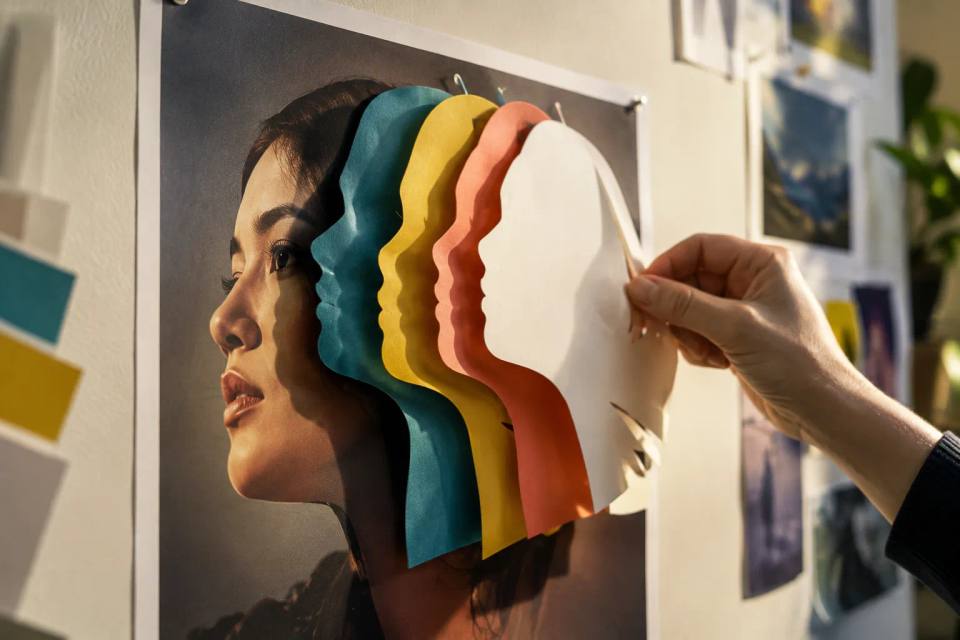
- Its images work well with Magic Layers, which splits a generated image into editable elements: you can move the headline or change a color without regenerating everything.
Cost
According to an eesel.ai analysis, it has no separate price: it uses your plan's monthly AI allowance, and the free plan includes up to 20 uses a month of AI tools. Canva has not published how much allowance each image uses. Its weak spots, by the company's own account: fine print and technical drawings.
How to get the most from it
Write what goes where, include the exact words you want to read, choose the aspect ratio before generating and use Magic Layers to fix details. If you prefer making flyers and brand kits inside Ivoka, try Point2Design.