Canva launches Craft, its first image model, and you can try it free in Dream Lab
Redacción IvokaOct 24, 6:00 AM 3 min
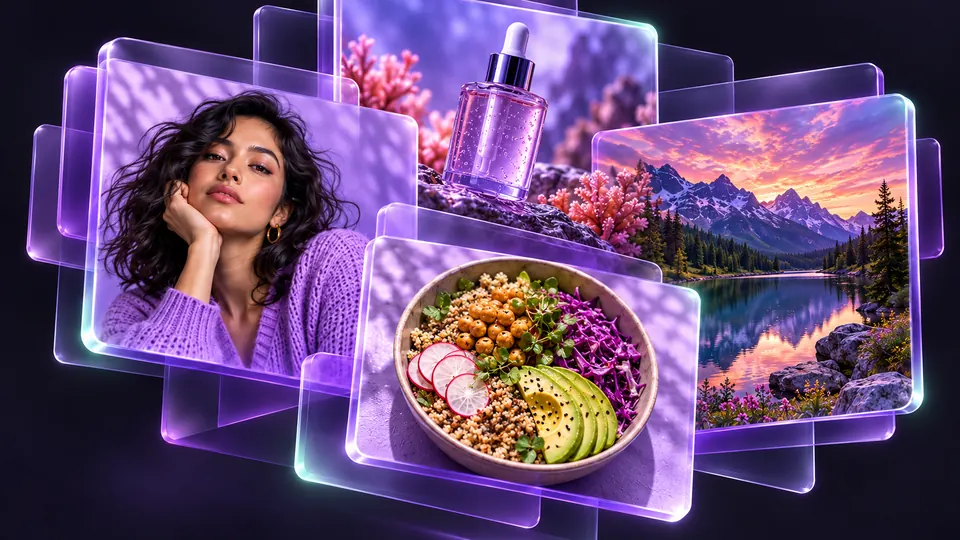
Canva introduced Craft on October 22: it generates images up to 2K, plans the layout before drawing, and is available to all its users, including the free plan.
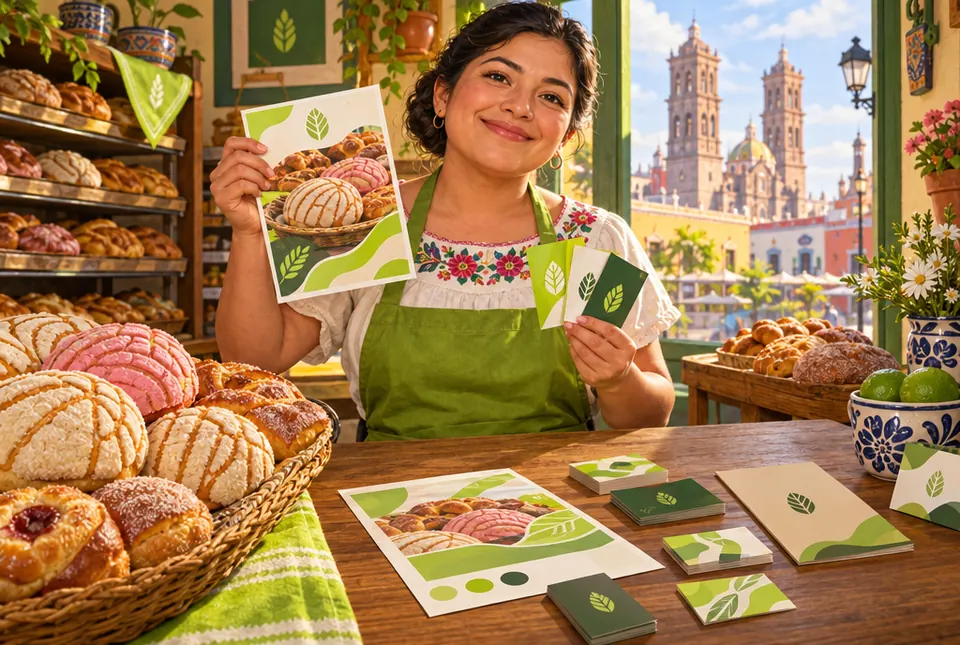
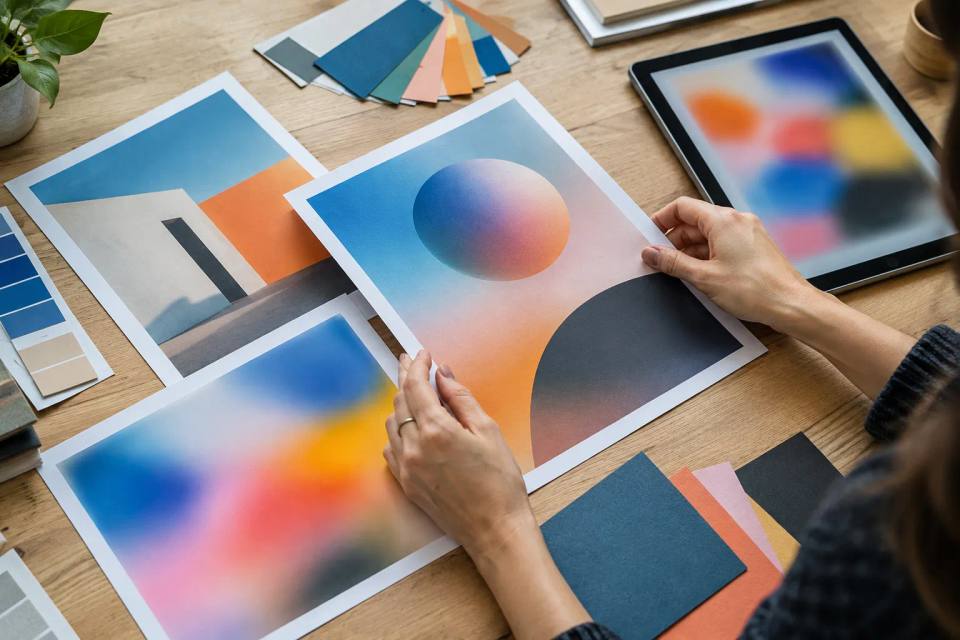
Canva launched Canva Craft on October 22, 2026, its first image-generation model. Canva says it was built and trained from scratch by its research team, Canva Research, and that it was trained on designs (human-made templates from its library, such as posters, social posts, presentations, infographics and menus) rather than photographs.
What makes it different
Craft works in two steps: it first interprets your request and builds a plan covering element placement, scale and visual hierarchy (including information for text), and then generates the image. According to reports, it outputs images up to 2K resolution in more than 30 aspect ratios and handles text in 55 languages.
How to try it
You use it from Dream Lab. According to The Rundown's guide, you reach it from Canva's homepage via More → Dream Lab, and it lives outside the design editor. Canva announced it for all users, including the free plan, though AI usage limits still apply: per The Rundown, trying Craft draws on that allowance, and we did not find a numeric cap on uses in the sources. Developers can also reach it through Canva's public API, which some outlets still describe as a preview.
What's next
Canva says it is developing two cheaper versions, Craftfast and Craft-ultrafast, and that support for generating images from assistants like ChatGPT and Gemini through its MCP server is coming soon.
What it means for you
If you make posters, covers, flyers or ads with text, this is a no-cost option to try today. Always review the text, logos and faces before publishing. Canva has not published a per-image price for Craft.
Sources