Canva launches Craft, its own image model, now available to all Canva users
Redacción IvokaOct 26, 6:00 AM 3 min
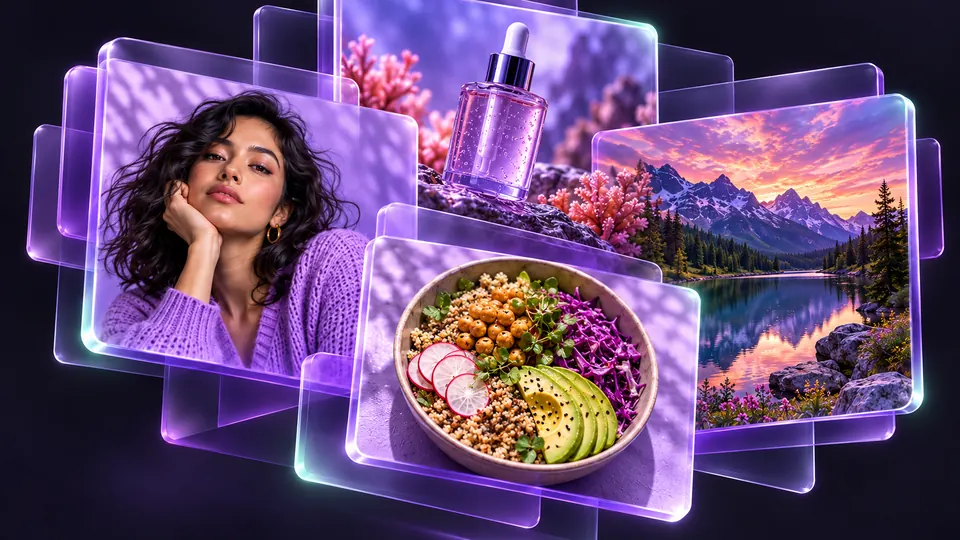
It plans the layout before drawing, generates up to 2K and works with Magic Layers so you can move the headline of your poster.
On October 22, Canva introduced Canva Craft, the first image-generation model its in-house lab, Canva Research, built and trained from scratch. It competes with models from Google, OpenAI, ByteDance and Meta.
What makes it different
Most generators go from text to image in one step. Craft works in two: a planning model first sets out which elements appear, where they sit, their relative size, their order of prominence and any text needed; then a separate model renders the image. According to Canva, this helps text stay readable and lets you change one element without altering the rest.
What's useful for you
- It generates images up to 2K in more than 30 preset aspect ratios, or custom dimensions.
- You use it from Dream Lab inside Canva and, for developers, through the public API.
- Its images can be combined with Magic Layers, the Canva feature that splits an image into editable elements.
- It debuted in fourth place on DesignArena, a public board where people vote on AI-made images.
- According to The Modems, it is available to all users, free tier included, and draws on your existing AI allowance with no extra charge.
What's still missing
Canva is developing two cheaper versions, Craft-fast and Craft-ultrafast, with no release dates. It has also not announced pricing for Craft or its API.
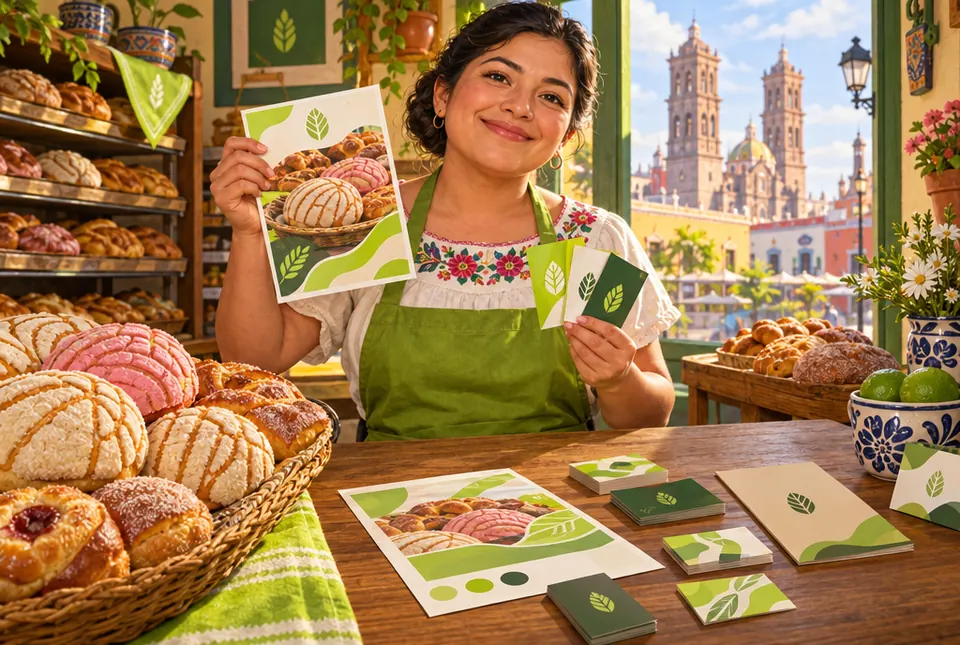
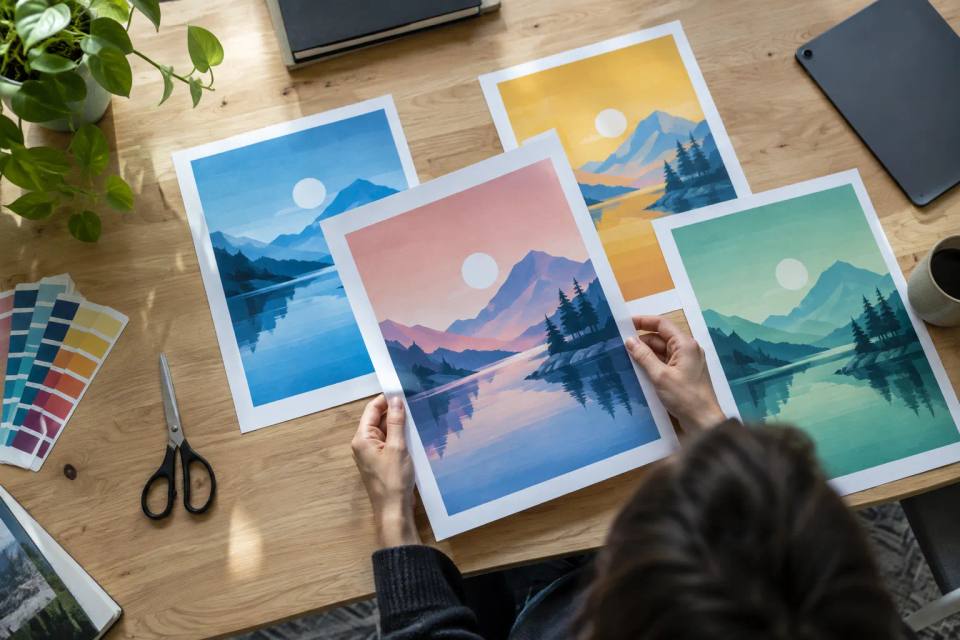
If you make flyers, covers or social posts, it's one more option for generating the base image. In Point2Design you build flyers and brand kits, and in Point2Photo you can touch up the result with layers.
Sources